
Paper jams or feeding problems
Paper, rollers, and feed mechanisms can cause repeated jams. Note where the paper stops and any displayed error.
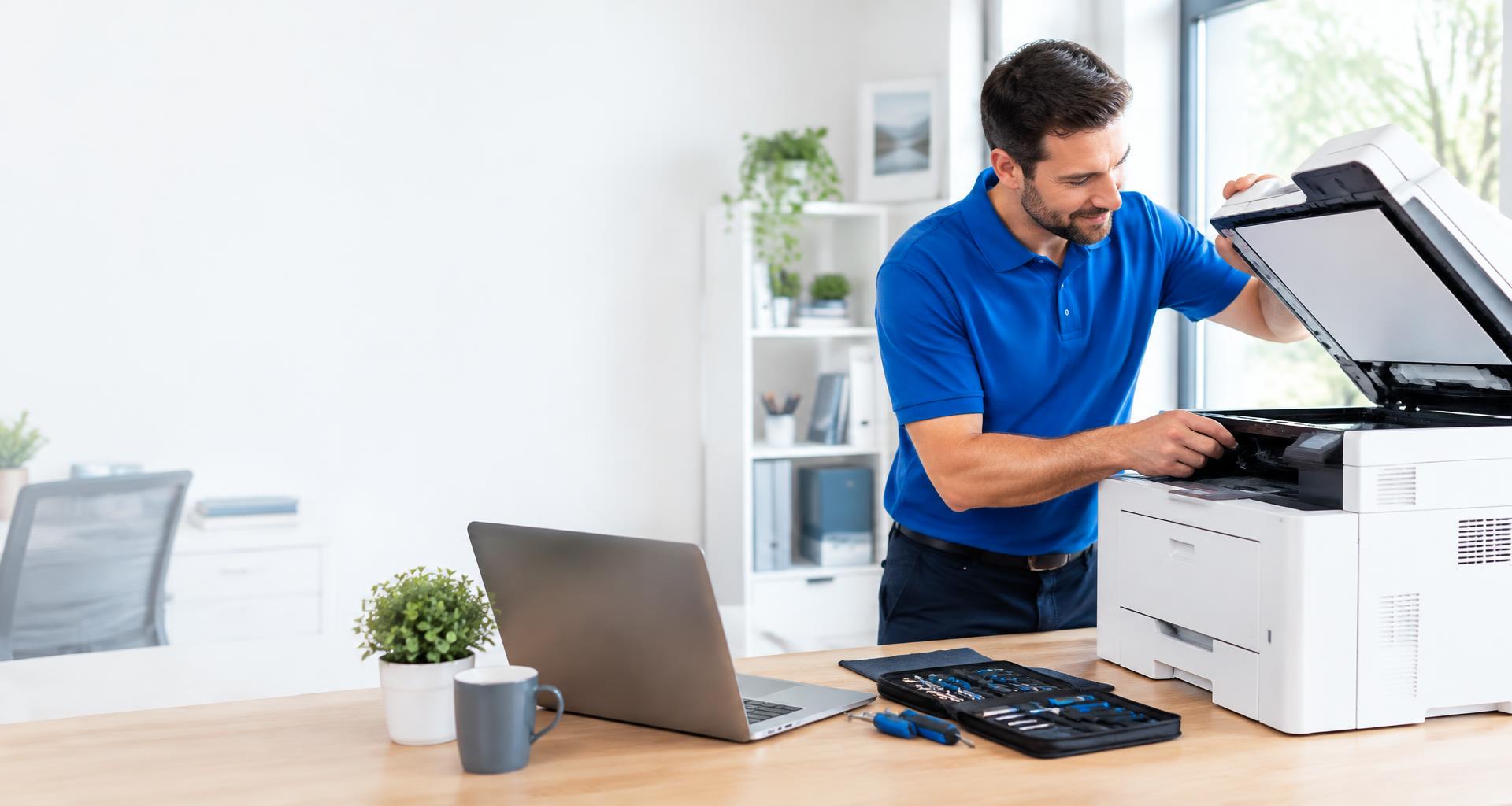
Paper jams, faded pages, or a printer that will not connect? Get help with your printer and its everyday printing problems.
Request Printer Repair Upfront estimates · In-home serviceTell us what you are noticing, and our team will confirm service for your brand and model. Your technician diagnoses the fault before recommending the next step.
Please avoid disassembling your appliance or device or attempting electrical or gas repairs. Share any error codes and symptoms with your technician.
Symptoms are a starting point, not a diagnosis. A technician confirms the cause.
Paper, rollers, and feed mechanisms can cause repeated jams. Note where the paper stops and any displayed error.
Ink, toner, and print components can affect output. Keep a sample page to show your technician.
Network settings, drivers, and scanner faults can interrupt use. Tell us which devices are affected and how the printer is connected.
Keep a sample print and any error messages ready, along with the printer model. Do not force jammed paper or open electrical components; follow the manufacturer’s instructions.
Use supported paper and supplies, keep accessible trays clean, and follow your manual for maintenance. Avoid touching internal hot surfaces.
Never disassemble appliances or devices or attempt electrical, refrigerant, or gas repairs. Follow your manufacturer’s safety instructions.
Choose a preferred day and tell us about your appliance or device.
Our technician diagnoses the issue and explains the options.
Ask about 1-, 3-, and 5-year plans. Coverage and pricing are confirmed before enrollment.