
Will not start or keeps restarting
Power, hardware, or operating-system issues can interrupt startup. Note any messages, lights, or sounds you notice.
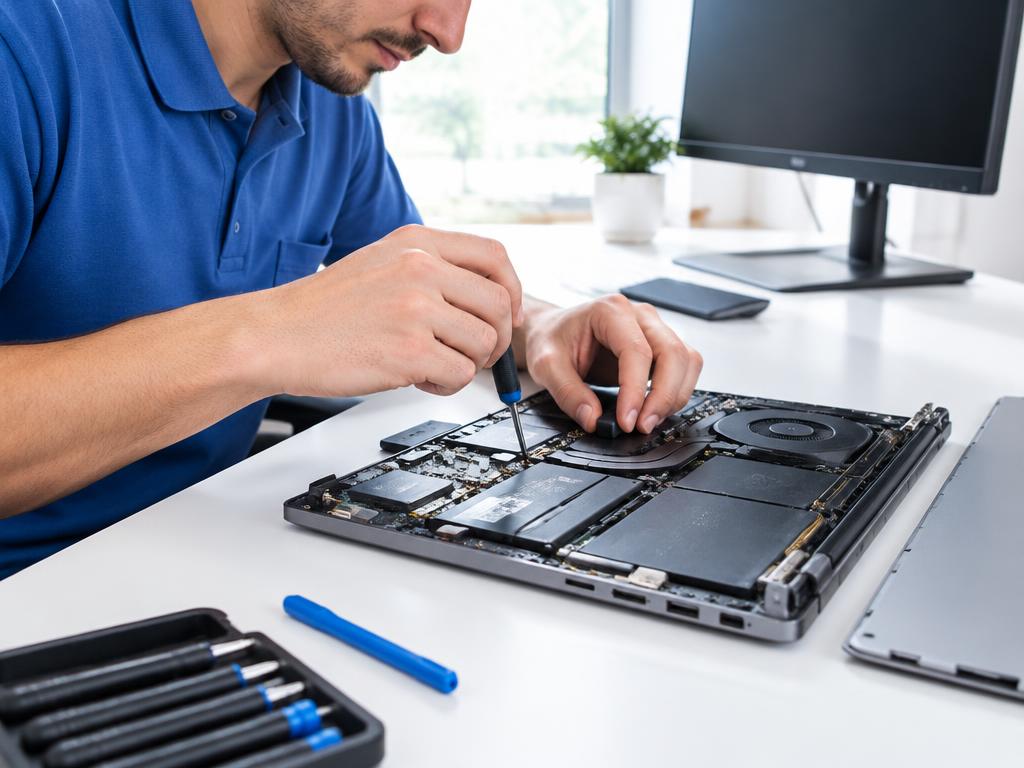
From a laptop that will not start to a desktop running slowly, we diagnose the issue and explain your repair options.
Request Computer Repair Upfront estimates · In-home serviceTell us what you are noticing, and our team will confirm service for your brand and model. Your technician diagnoses the fault before recommending the next step.
Please avoid disassembling your appliance or device or attempting electrical or gas repairs. Share any error codes and symptoms with your technician.
Symptoms are a starting point, not a diagnosis. A technician confirms the cause.
Power, hardware, or operating-system issues can interrupt startup. Note any messages, lights, or sounds you notice.
Software, storage, and overheating can affect performance. Tell us when the problem began and which tasks are affected.
Describe any Wi-Fi, screen, keyboard, or peripheral faults and whether anything changed recently.
Back up important files if you can do so safely. Have your charger and affected accessories ready. Do not share passwords in the repair-request form.
Keep ventilation openings clear and install updates from trusted sources. Maintain regular backups and stop using a device with a swollen battery or burning smell.
Never disassemble appliances or devices or attempt electrical, refrigerant, or gas repairs. Follow your manufacturer’s safety instructions.
Choose a preferred day and tell us about your appliance or device.
Our technician diagnoses the issue and explains the options.
Ask about 1-, 3-, and 5-year plans. Coverage and pricing are confirmed before enrollment.